


Multi-model chat
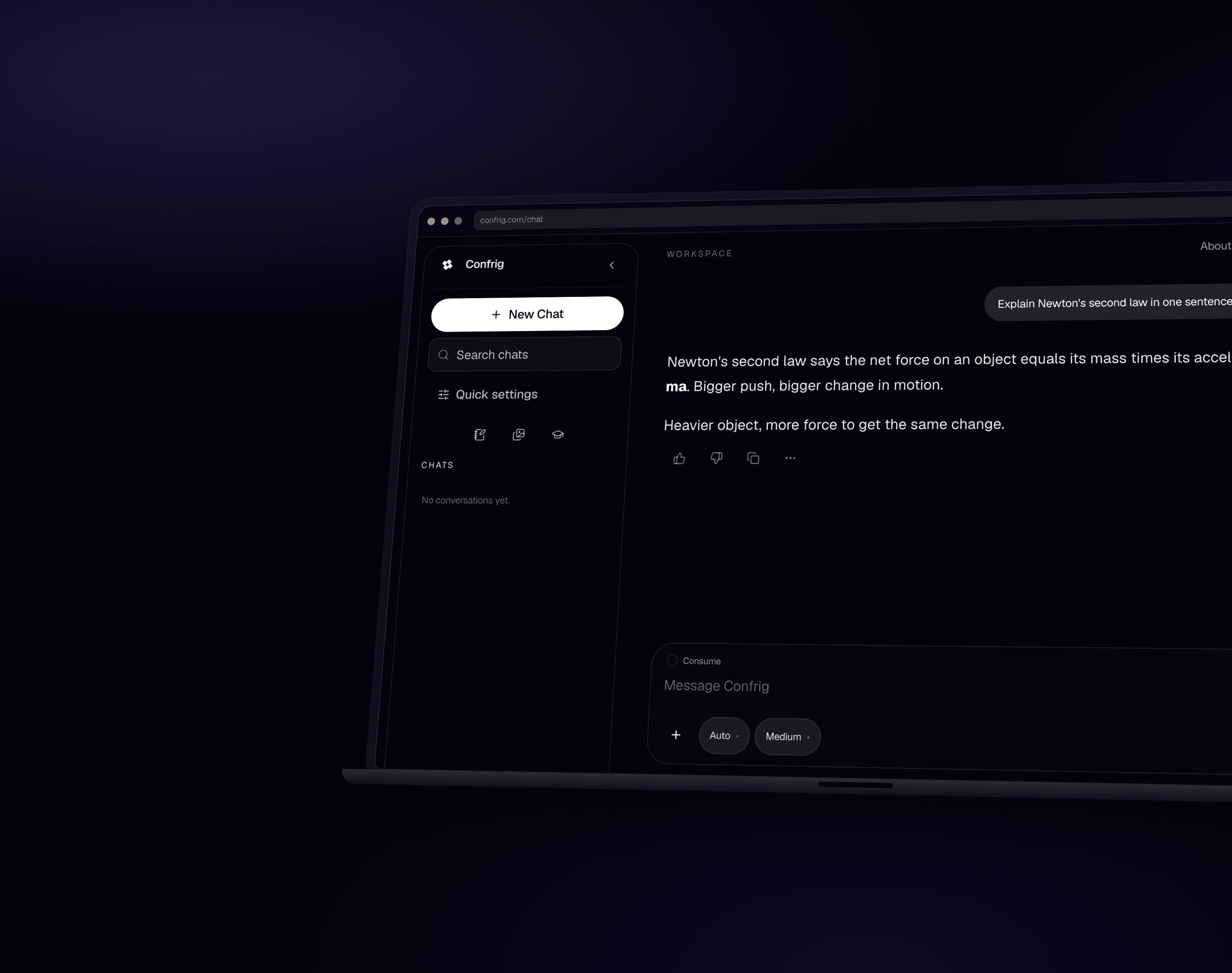
Claude, GPT-4o, Gemini, Llama, DeepSeek, Qwen, and Mistral - 10 live models in one composer.
Confrig workspace
Multi-model replies, notes beside the thread, and Education in Philippine pesos. Built for everyday work, not a lab demo.
Backed by Trusted Digital Infrastructure
Paymongo, OpenRouter, Illuminary Peak, ZygoWork, Vercel
Inside Confrig
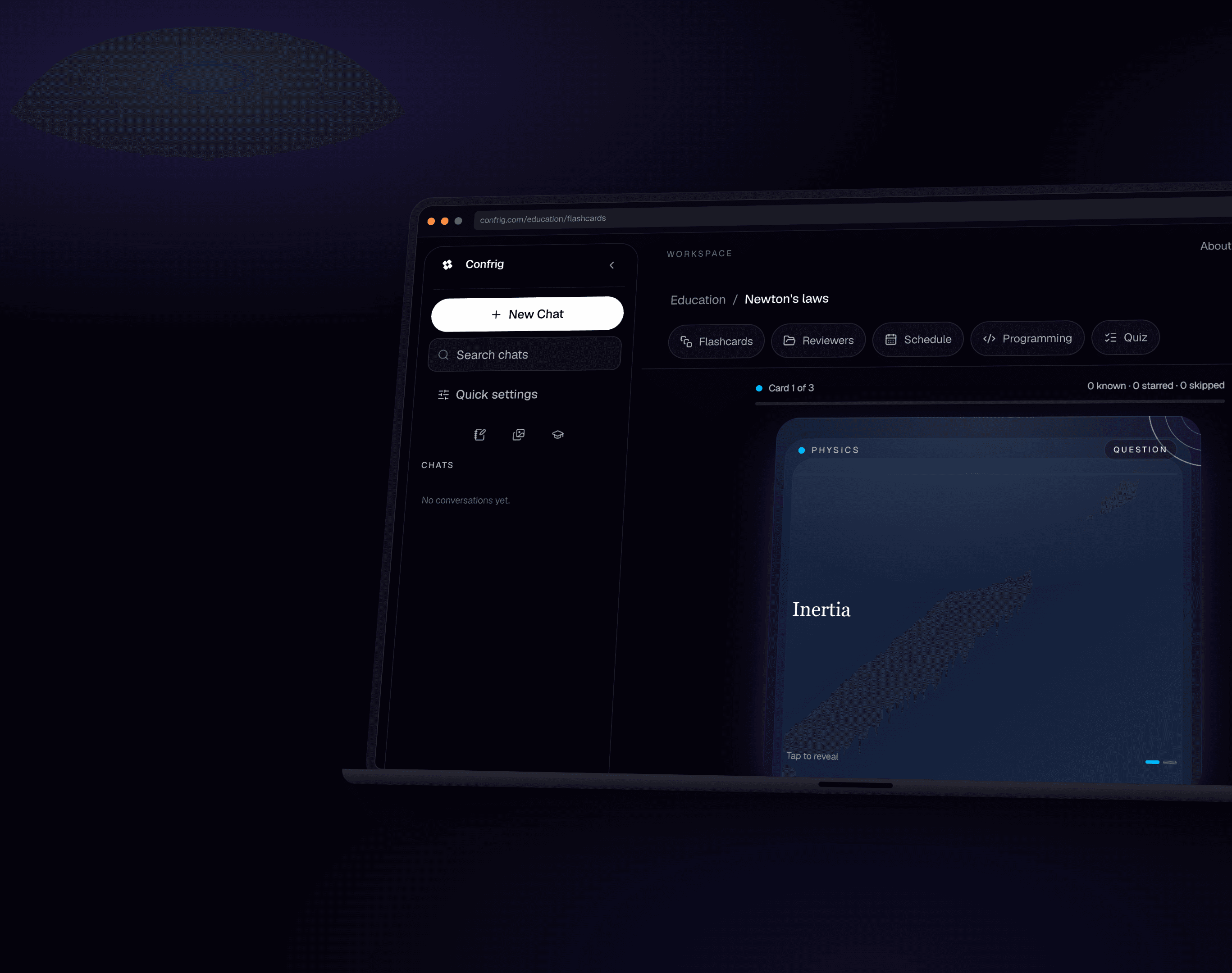
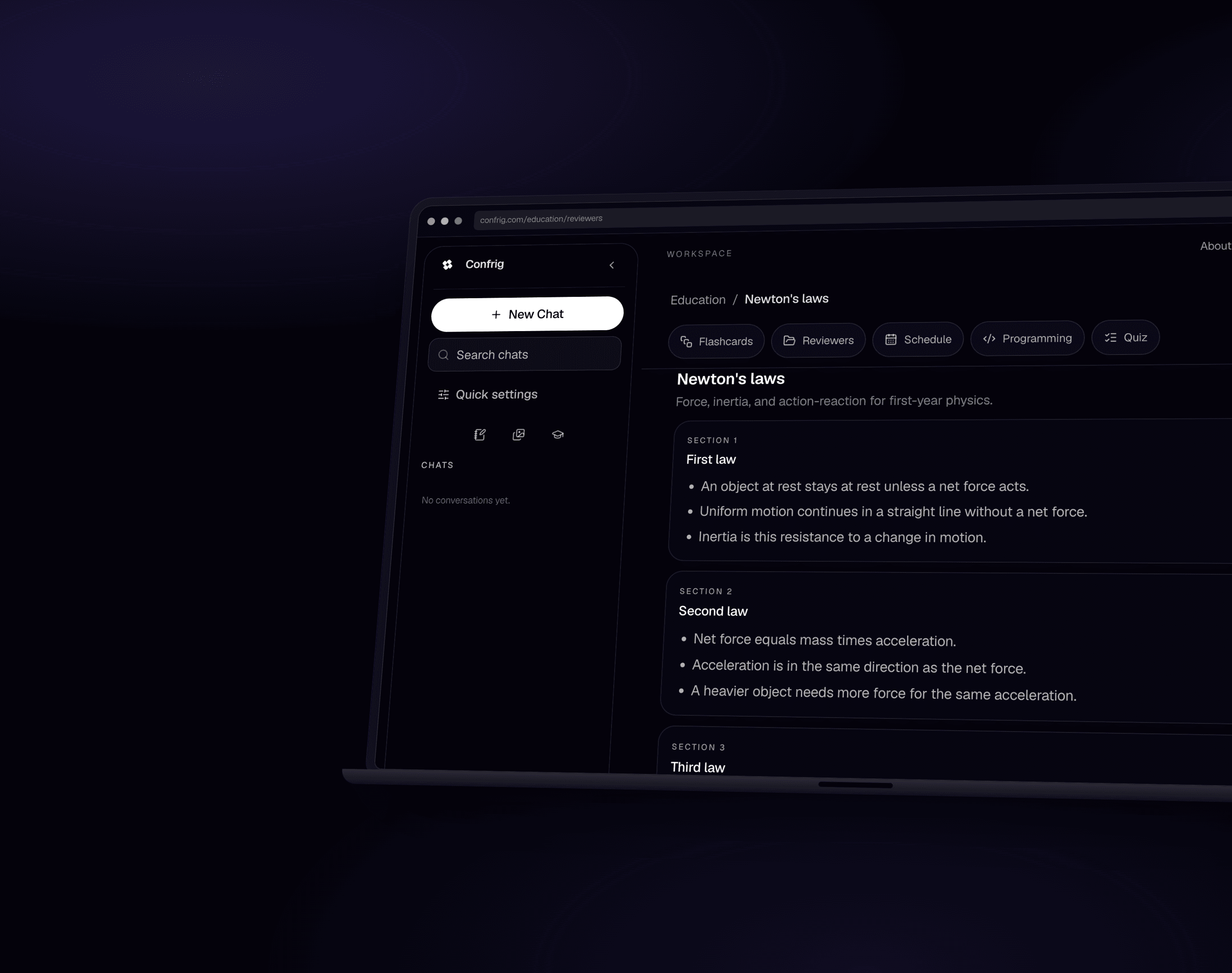
Study cards and reviewers as they appear in Confrig. Same account as chat, no extra product to learn.
Study
Flip cards until it sticks.
Flashcards, quizzes, and a study path that lives next to chat, not in another tab.
Notes
Keep the facts beside the work.
Reviewers and notes sit in the same studio so a lesson can become a saved page.
Everything you need for everyday AI work in one quiet workspace. Move from a thread to a note or a study deck without opening another product.
Claude, GPT-4o, Gemini, Llama, DeepSeek, Qwen, and Mistral - 10 live models in one composer.
Picks a working model when you do not want to choose.
Drafts, todos, outlines, and meeting notes beside the thread.
Agent mode, public-link reading, and memory in the same workspace.
Flashcards, reviewers, and a study schedule in Education.
Available models
Claude, GPT-4o, Llama, Gemini, DeepSeek, Qwen, and Mistral in one composer. Auto picks a working model when you do not want to choose.
OpenAI
Everyday chat for writing, questions, and images.
Anthropic
Strong reasoning and code across a large context window.
Anthropic
Deepest analysis for hard problems and long documents.
Meta
Fast replies that can also read images.
Quick answers across a very large context.
Careful multimodal work on long or mixed inputs.
DeepSeek
Fast, low-cost reasoning for everyday tasks.
DeepSeek
Spends extra tokens thinking before it answers.
Alibaba
Specialized for writing, explaining, and fixing code.
Mistral
General chat and documents, including images.
Education
Pick a subject, choose flashcards, reviewers, a schedule, or quizzes. AI can build study material from your subject, or you can write everything yourself.
Write cards yourself or ask AI to build a deck from your topic. Review in a 3D stack you can flip and swipe.
Structured study pages with sections and key points. Handy before a quiz or a long session.
Set study times, see what is due next, and get gentle in-app reminders so sessions do not slip.
Science, math, calculus, physics, chemistry, biology, history, English, philosophy, and computer science.
First visit opens a short 3D tour of flashcards, reviewers, and schedule before you start studying.
Start Free
Flashcards are included on Free during beta, with no card count cap. Up to 10 reviewers, a study schedule with due badges, in-app reminders, and 5 AI study generations every week.
Upgrade to Pro
Unlimited decks and reviewers, richer weekly schedule repeats, and more AI study generations within your token budget.
Notes
Draft ideas, meeting recaps, and checklists without leaving the workspace. Notes live in the sidebar next to your threads and autosave as you type.
Start from blank, meeting, outline, todo, or draft templates with sensible starter content.
Notes save quietly while you type. Pick up where you left off without thinking about saving.
Add interactive checkboxes inside a note for tasks, agendas, and daily lists.
Highlight text and rephrase, clarify, shorten, expand, or fix grammar in place.
Type a thought on the notes home screen and expand it into a full note with one tap.
Plans
Free is ₱0 forever. Flashcards are included during beta. Usage resets every week. Paid plans reset usage every month with the subscription.